|
Black and white photography is timeless. Its simplicity and beauty, which is based only on 256 tones, is unsurpassed. However, it is not an easy task to create a good black and white photo. In order to do so, one has to think and see in black and white before the shot is taken. Certain colours, such as green, red, brown, or blue, will distinguish themselves in a colour photo, but once converted to black and white the visual difference between them may be dramatically reduced, causing the whole scene to look bland and boring. The key to a good black and white photography is knowing how to manipulate with light and dark tones and the contrast between them. Post processing of a black and white photo may take much longer, and may require much more precision than one would normally need for a colour photo. Why? Watch this video and find out. In this photoshop tutorial I will show you how you can massively improve the visual impact of your photo by using simple photoshop tools, such as curves, or layer blending. In this tutorial I am using two photographs, one in black and white, and the other one in colour. It is a simple method, and suited for everyone, both the beginners and more advanced photoshop users. By simple adjustments in contrast, or the difference between saturation levels in the photo, you can make huge changes and alter the look of your photo tremendously. It is always good to go back to your photo after some time, and see if you can improve it, too. Perspective distortion is often an overlooked step in photo editing. I often see online great shots with great composition and lighting, but the distorted perspective ruins everything at the end. In this short video tutorial I will show you how I fix perspective distortion in photoshop. Three methods of dodging and burning in photoshop that I find to be the most effective ones6/15/2014 In this next photoshop tutorial I am talking about three different dodging and burning techniques that I use whenever I retouch my photos. I discuss the dodge and burn too which is a built-in function of photoshop, also the doging and burning via applying curves layers, and lastly, frequency separation based dodging and burning. Dodging and burning is a crucial step in every photo retouching, yet often overlooked. It really gives the photo the refined and polished look, and it is one of those photo retouching techniques that should be learned. I am creating 2 photoshop tutorials per week. If anyone has a question regarding any of my tutorials, or wishes me to discuss any particular photoshop technique, please feel free to leave a comment under this post, or contact me at [email protected] Here is my new tutorial on photoshop techniques and photo retouching. In this episode I will show you another method of making skin smooth without destroying all the texture. If you want to watch a video on more advanced skin retouching technique, then please see my video on frequency separation on my YouTube channel. I have finished my next android photoshop manipulation. I just love making those. I think I need to start hunting for models just for my new cyborg ideas? Girls in Tokyo area - please contact me if interested. Talking about cyborgs, I would like to recommend you guys a website created by Mpaolo Almeida, a photoshop artist from Brazil. This guys is really talented and has amazing ideas for his photo manipulations. On top of this he is a really down to earth guy. Have a look at his site, www.tutoriaisphotoshop.info, and his youtube channel. He is also selling tutorials on various types of photo manipulation, including cyborgs, steampunk, fantasy and dark art. Although the tuts are in Portuguese, his photoshop is in English, and it is quite easy to follow his moves, as long as you know photoshop at least to a certain degree. Mpaolo speak English, so you can look him up on FB and ask about the tutorials. I actually have a few of them myself, and they are really very very helpful indeed. 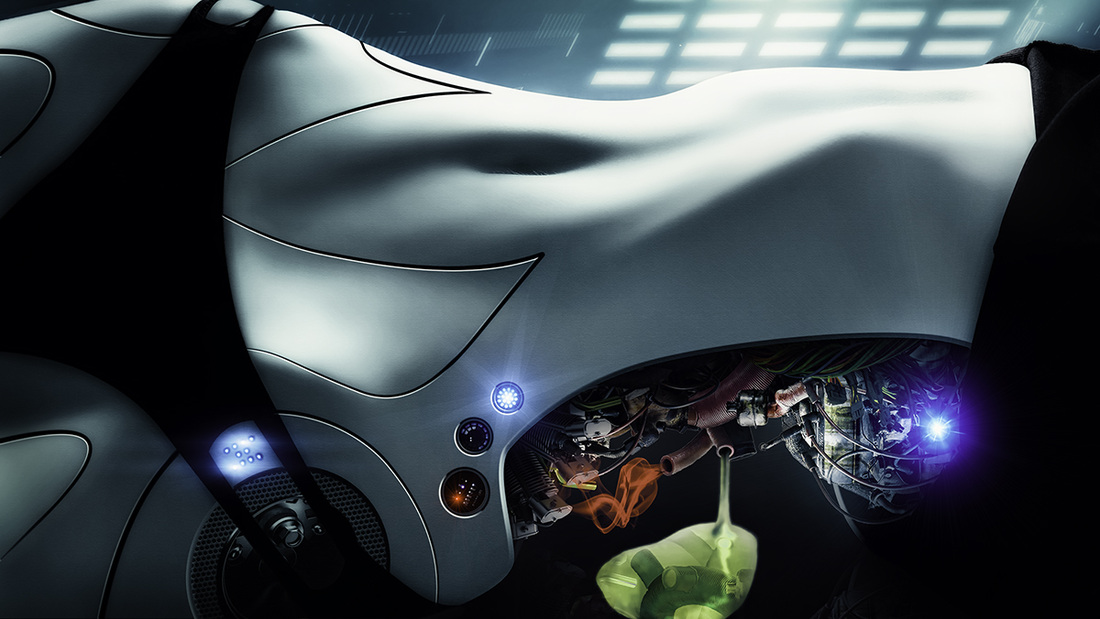 Here is another photoshop tutorial in which I will discuss the issue of composition in photography and its importance. I am talking a bit about the rule of thirds, and general idea of how to compose a photo, based on one of my own captures. I am also explaining how to deal with composition issues in photoshop through blending layers, ands using tools such as "blend if", layer masking, etc. For more video tutorials on photoshop please subscribe to my YouTube channel. I am currently looking for new models (any nationality / skin tone) in Tokyo area, for boudoir and calligraphy body art photo shoots. Girls interested in working with me, please contact me at [email protected] / FB: Ponte Ryuurui, or via google+. The ony restriction is that for calligraphy body art I need to work with skin that is tattoo free, though it depends on type and quality of the tattos, their placement, size and colour. I do not require a model to have any experience, I can guide you through the photo shoot. 芸術的な写真に興味がある女子はご連絡ください(経験なしでもOK) Photo below / model: Asuka 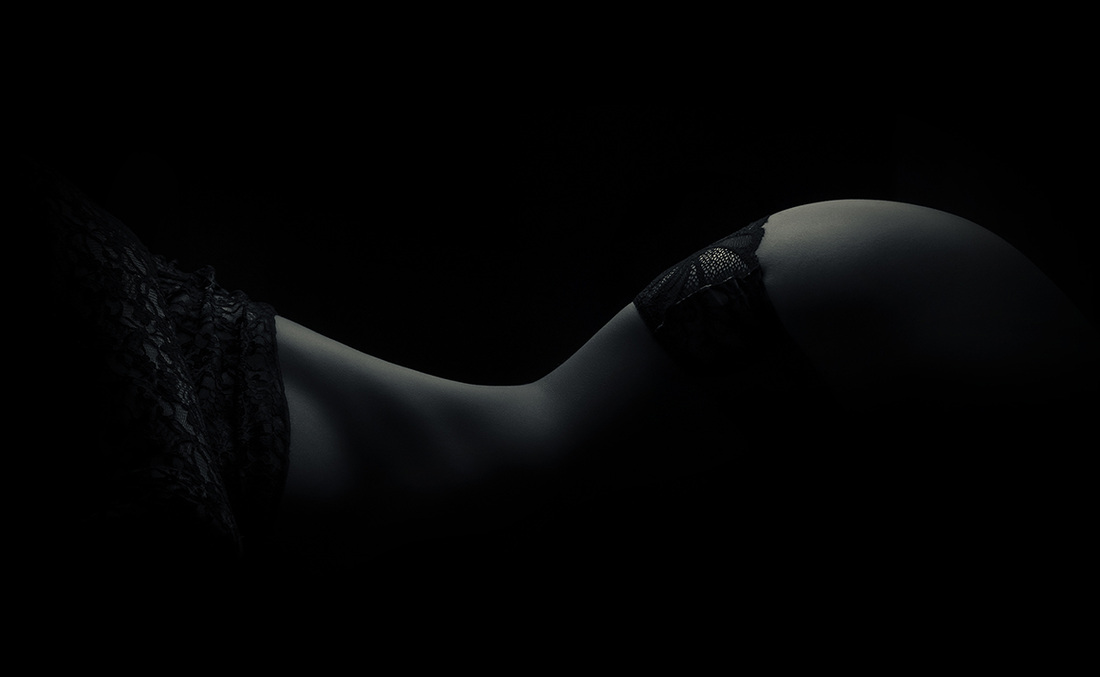 Today, I published my next video tutorial. In this episode I will show you how you can bring your night photography editing to another level by masking beautiful bokeh of night cityscape lights onto the original image. For more tutorials visit my Youtube channel. You will find there photoshop tips and tricks, HDR photography tutorials, photography techniques related tutorials My new photo manipulation of a sexy female android. I LOVE converting girls into androids and cyborgs, I have no idea why, perhaps I play too many PC games, or perhaps it is because they look jam hot. It is the subtle feminine vibe in symbiosis with a motherboard driven half-synthetic life form. It really fascinates me. This photoshop manipulation took me a few hours to finish, I was trying many different things and ideas. I used photoshop for most of the editing, and then topaz restyle plugin at the end. You can check out my previous photoshop cyborg manipulation here. Model Eccaia 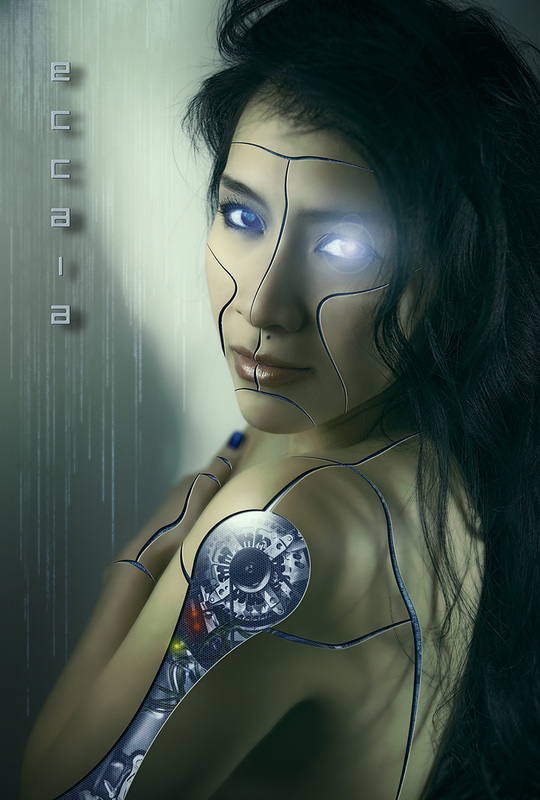
In this next episode of my photography tips and tricks and photoshop tutorials I will explain not only how to recognise camera dust in post processing, but also talk about how the dust gets into your camera, how to reduce the dust spots on your photo by adjusting aperture, and show you many photoshop tools that can be used to deal with it during retouching, including removal of camera dust from complex textures, such as architecture. If you are interested in my other photoshop tutorials or HDR photography tutorials, please visit my YouTube channel. |

Categories
All
AuthorPonte Ryuurui (品天龍涙) Archives
August 2020
|
 RSS Feed
